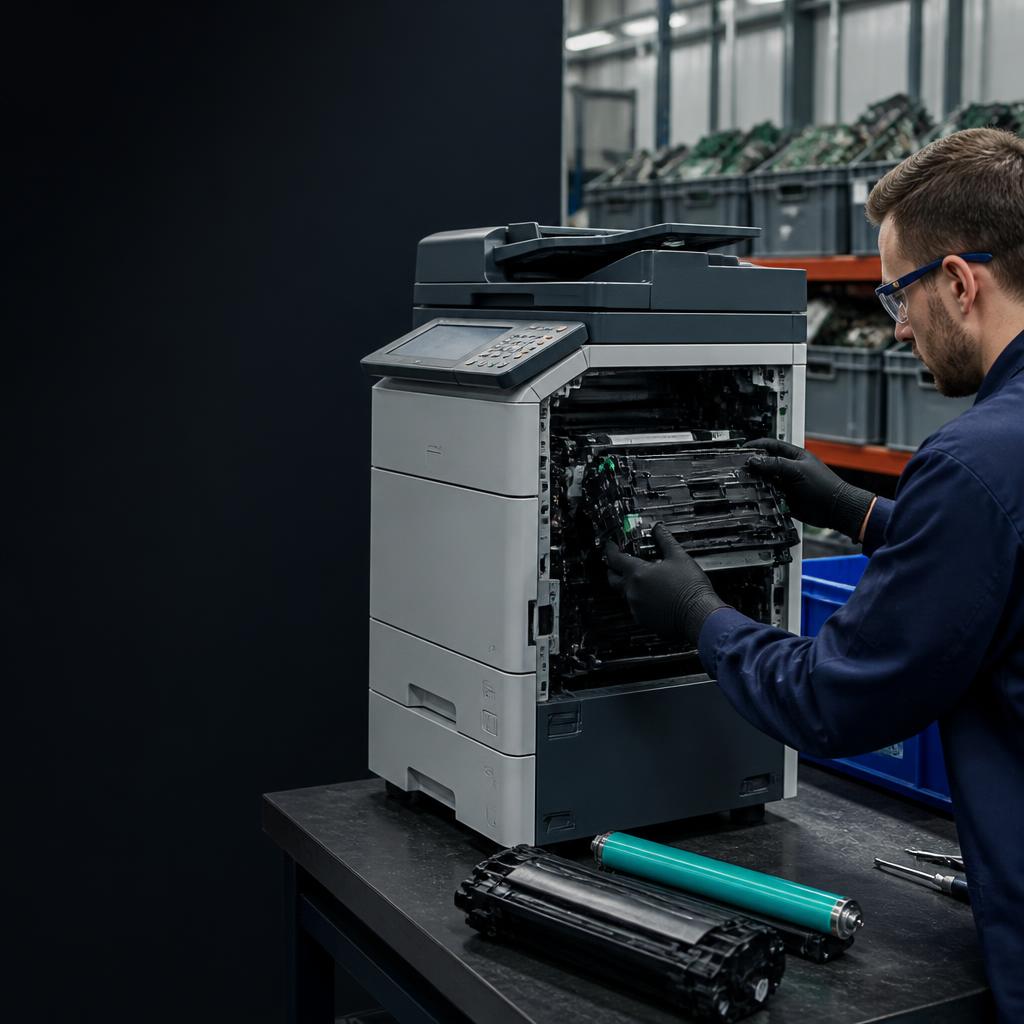
Technician removing toner and imaging components from a commercial copier for recycling
Printer & Copier Recycling

Printer Recycling — Including the Hard Drive Inside

Most office copiers store thousands of documents on an internal hard drive. We remove and destroy it before the machine is recycled. Free business pickup for 5+ units across Chicagoland.

Drive destroyedBefore recycling
Toner recycledSpecialized partners
Free pickup5+ business units
Certificate issuedPer load
What's Inside Your Copier

The data risk most businesses don't know about

2002+
Year most commercial multifunction copiers began including internal hard drives — yours almost certainly has one
Sharp, Xerox, Canon, Ricoh product documentation
7,500+
Pages of print, scan, fax, and copy history a typical MFD hard drive stores before it's retired
Free
Pickup cost for business quantities — 5 or more units anywhere in the Chicago metro area
The Risk You Don't See

Printers are data devices — and most businesses don't treat them that way

Most office copiers and multifunction printers manufactured in the last two decades contain an internal hard drive. That drive stores copies of every document scanned, printed, faxed, or copied — sometimes thousands of records spanning years of operations. When a printer is traded in, donated, or discarded without drive destruction, that data goes with it.

AVA Recycling accepts all types of printers and copiers — inkjet and laser desktop units, large-format plotters, floor-standing commercial copiers, and fax machines. We remove and certifiably destroy embedded hard drives before recycling the unit, and we route toner cartridges and drum units to specialized ink-recycling partners.

Free pickup is available for business quantities across the Chicago metro area. If you're managing an office clean-out, a print room refresh, or a full office decommission, we can schedule pickup around your timeline and issue a Certificate of Recycling for your records.

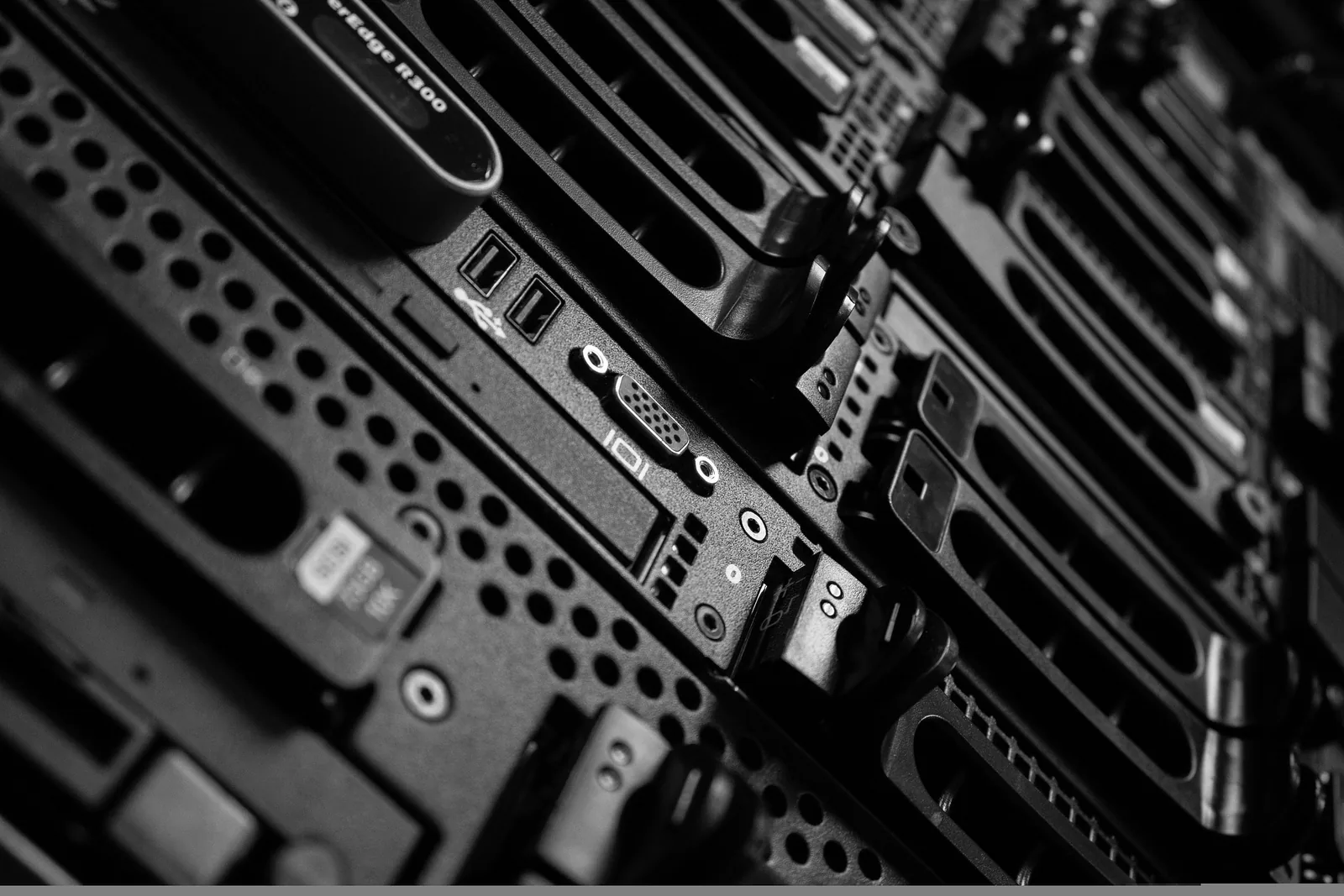
Close-up of server and printer components prepared for material recovery
Beyond the Plastic Shell

Retire printers without leaving documents behind

The best printer-recycling project protects information first, then recovers the equipment's metals, plastics, and specialized consumables.

01

Treat the printer as an information asset

The most important part of retiring a multifunction printer is often hidden behind the service panel. Many commercial copiers and MFDs retain print, scan, fax, address-book, authentication, and job-history data on an internal hard drive or flash storage. A factory reset may clear a menu setting without providing the evidence your security team needs that the underlying media was destroyed.

Before pickup, tell us whether the equipment is a desktop printer, floor-standing copier, scanner, plotter, fax machine, or multifunction device. We can plan for weight, stairs, dock access, and the data-bearing components that need to be removed and destroyed before the remaining equipment is processed.

  • Inkjet, laser, plotter, label, dot-matrix, and fax equipment
  • Floor-standing copiers and multifunction devices
  • Embedded hard drives and flash storage handled before recycling
02

Separate toner, drums, and recyclable components

A printer contains more than a steel cabinet. Toner cartridges, imaging drums, transfer belts, power supplies, circuit boards, plastics, and mixed metals need different downstream handling. Removing toner and routing it through a specialized channel prevents residual powder from being treated as ordinary scrap, while the remaining components can move into appropriate material-recovery streams.

For an office move, print-room refresh, school replacement, or full decommission, AVA can combine printers with computers, monitors, networking equipment, and other electronics in one coordinated pickup. Business quantities generally qualify for free pickup in the Chicago metro area, and the completed load can be documented with a Certificate of Recycling.

  • Toner and drum units removed before material recovery
  • Heavy copier pickup planned with the right crew and equipment
  • Mixed office technology loads accepted under one project scope
Office Technology Refresh

Move printers out without moving your data risk with them

A professional copier-recycling project handles access, embedded storage, consumables, heavy equipment, and final documentation as one scope.

01

Identify the devices before moving them

Create a rough count by device type and note which units are floor-standing, networked, or connected to a finishing system. Large copiers may require a clear path through doorways, elevators, and loading areas, while desktop printers can often be staged with the rest of an office technology pickup.

If the device is being retired because of a data or security concern, identify it as a data-bearing asset before it reaches a public loading area. That keeps the internal drive or flash storage in the destruction scope from the moment the equipment is released.

02

Plan the heavy-equipment handoff

Tell the coordinator about stairs, narrow corridors, dock appointments, freight elevators, ramps, and any required building protection. The right crew and equipment can then be scheduled for floor-standing copiers instead of treating a heavy MFD like a standard box pickup.

For office moves and print-room refreshes, schedule the removal after the replacement equipment is operational but before the old units become abandoned property. That reduces disruption and keeps toner, cables, and accessories together with the correct project.

03

Process consumables separately

Toner cartridges, imaging drums, transfer belts, and residual powder should be removed before the main equipment is sent through a metal and component recovery stream. Those consumables may need a specialized toner route rather than ordinary scrap handling.

The remaining unit can then be broken down for recovery of steel, aluminum, copper, circuit boards, plastics, and power components. Separating the streams creates a cleaner material outcome and makes the final recycling explanation easier for facilities and sustainability teams to retain.

04

Close out the office refresh

Request a Certificate of Recycling for the load and retain it with the project work order, equipment retirement list, and any data-destruction record. For MFDs, the destruction record should make clear that the embedded storage was handled before the machine was recycled.

If the pickup includes computers, monitors, or network equipment, identify those categories at scheduling. One coordinated office cleanout can include several streams, but the project file should still show which assets received data destruction and which were processed for material recovery.

Loading & Closeout

Plan the copier handoff before the equipment reaches the dock

Large multifunction devices need a route, a responsible release contact, and a clear data-destruction decision.

Confirm freight-elevator access, door widths, dock appointments, stairs, and any building protection requirements before the crew arrives. That keeps the removal orderly and avoids leaving a heavy copier in a hallway while access is resolved.

Once the embedded storage is removed and destroyed, the remaining equipment can move through the appropriate recovery streams. Retain the recycling certificate with the office refresh record so the security and facilities steps are documented together.

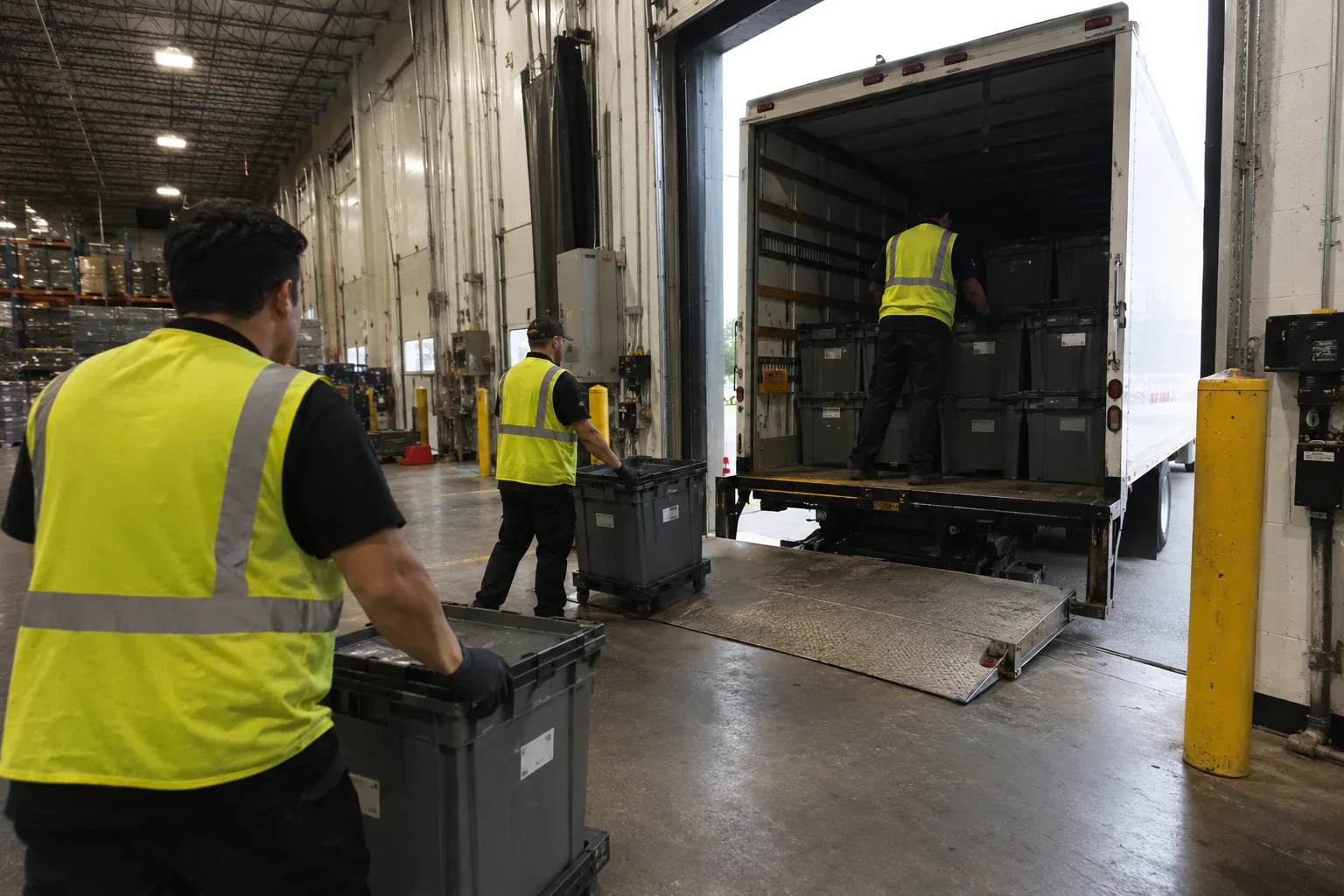
Team coordinating a secure electronics pickup at a recycling loading dock
What We Accept

Printers, Copiers & Peripherals

All Printer Types

Inkjet, laser, large-format, dot-matrix, and label printers — consumer and commercial models, all brands.

Multifunction & Copiers

Office copiers and multifunction devices including floor-standing commercial units — we have the crew for heavy equipment.

Drive Destruction

Hard drives inside multifunction devices store print jobs and scanned images. We destroy them before recycling — certified.

Toner & Drum Recycling

Toner cartridges and drum units removed and routed to specialized ink-recycling partners — not metal recyclers.

Common Questions

Printer Recycling FAQ

Recycle Your Printers & Copiers — Drives Destroyed

Schedule a free pickup or call our team — we'll walk you through pricing and logistics in minutes.